Dashboard
Dashboard capabilities include:
-
Add, edit, and delete connectors,dynamic attributes filters, and adapters.
-
See how connectors,dynamic attributes filters, and adapters are related to each other.
-
View warnings and errors.
Dashboard access and functionality
To access the dynamic attributes connector dashboard, log in to Security Cloud Control and click at the top of the page.
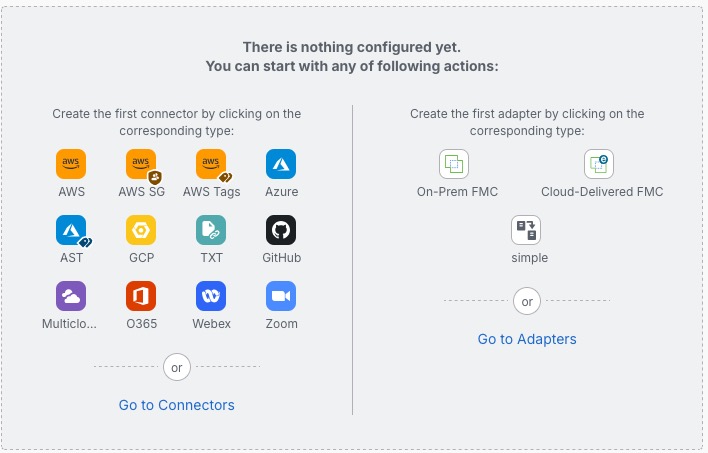
The dynamic attributes connector Dashboard page displays an example of an unconfigured system: