Create a new Cisco security cloud sign on account and configure duo multi-factor authentication
This task creates a new Cisco Security Cloud Sign On account with secure multi-factor authentication to protect access to Cisco security services.
The initial sign-on workflow is a four-step process. You need to complete all four steps.
Procedure
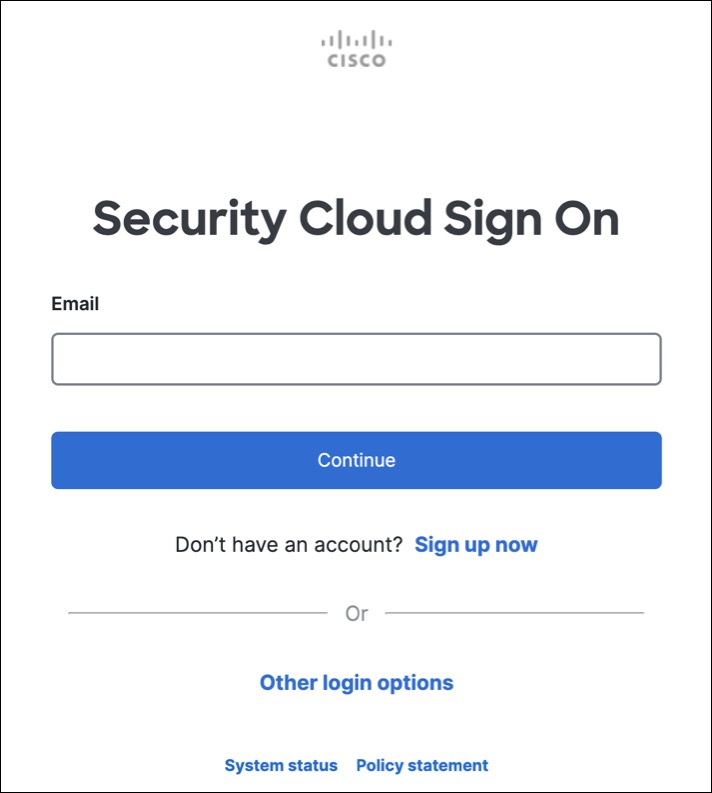
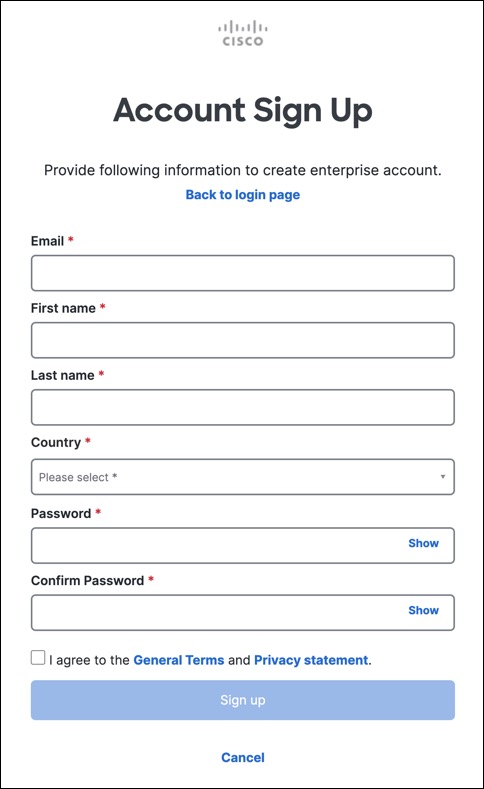
Step 1 | Sign Up for a New Cisco Security Cloud Sign On Account.
|
Step 2 | Set up Multi-factor Authentication Using Duo We recommend using a mobile device when setting up multi-factor authentication.
|
Step 3 | (Optional) Setup Google Authenticator as an additional authenticator
|
Step 4 | Configure Account Recovery Options for your Cisco Security Cloud Sign On
|
You have successfully created a Cisco Security Cloud Sign On account with multi-factor authentication enabled and account recovery options configured.