Download ASR or ISR Configuration
You can download the configuration for an onboarded Integrated Services Router (ISR) or Aggregation Services Router (ASR) device from Security Cloud Control and use it to bootstrap the device or save its current managed configuration locally.
Procedure
Step 1 | Click . |
Step 2 | Click the Devices tab. |
Step 3 | Click the IOS tab and select a device. |
Step 4 | Click Configuration under the Management section. |
Step 5 | Click Download to download the device configuration to your local computer. 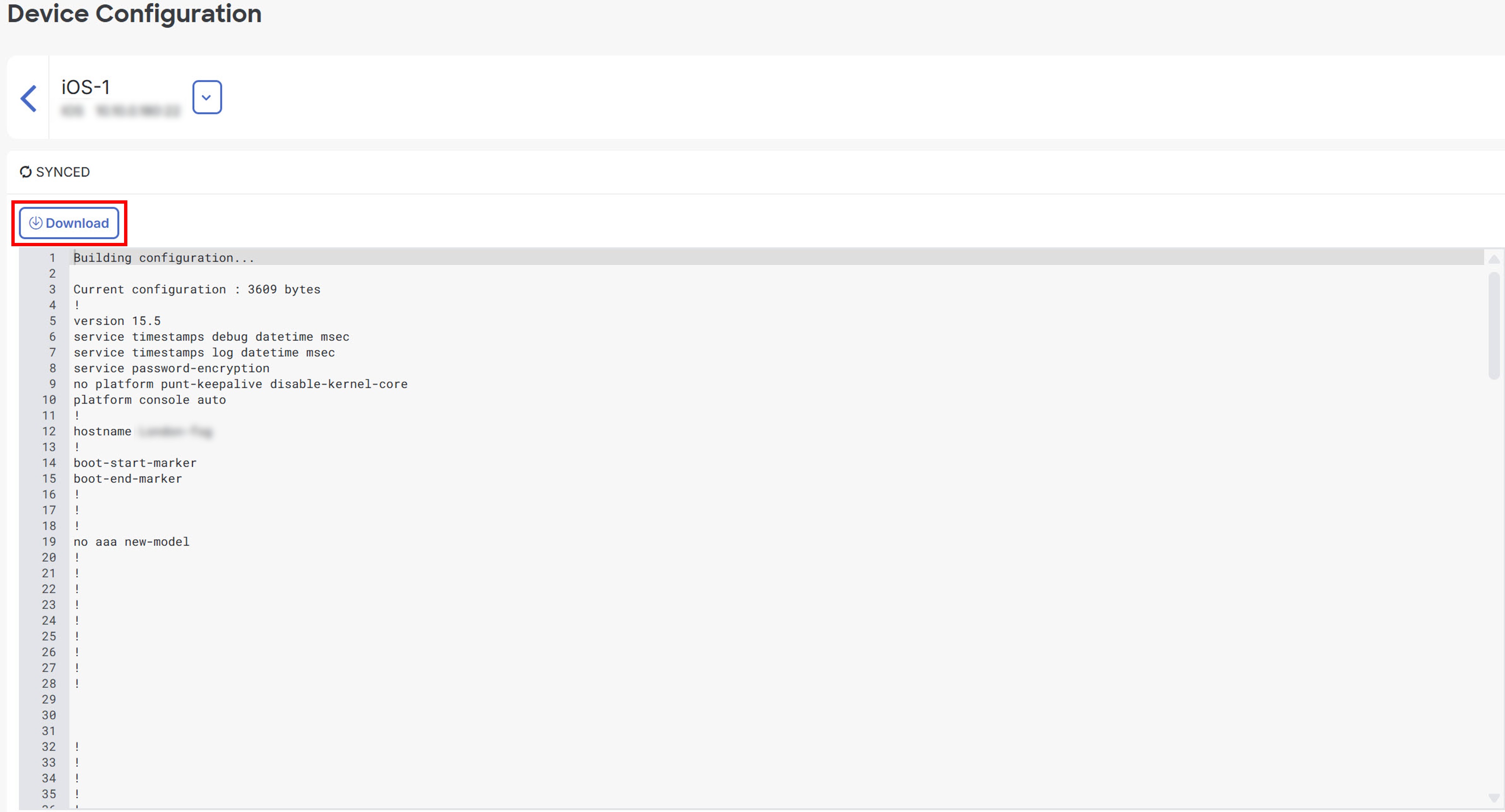 |