View Device Configuration File
You can view the configuration file using Security Cloud Control.
Note | Cisco IOS devices have read-only configurations. |
Procedure
Step 1 | Click . |
Step 2 | Click the Devices tab to locate the device or the Templates tab to locate the model device. |
Step 3 | Click the appropriate device type tab. |
Step 4 | Select the device or model whose configuration you want to view. |
Step 5 | Click Configuration under the Management section. 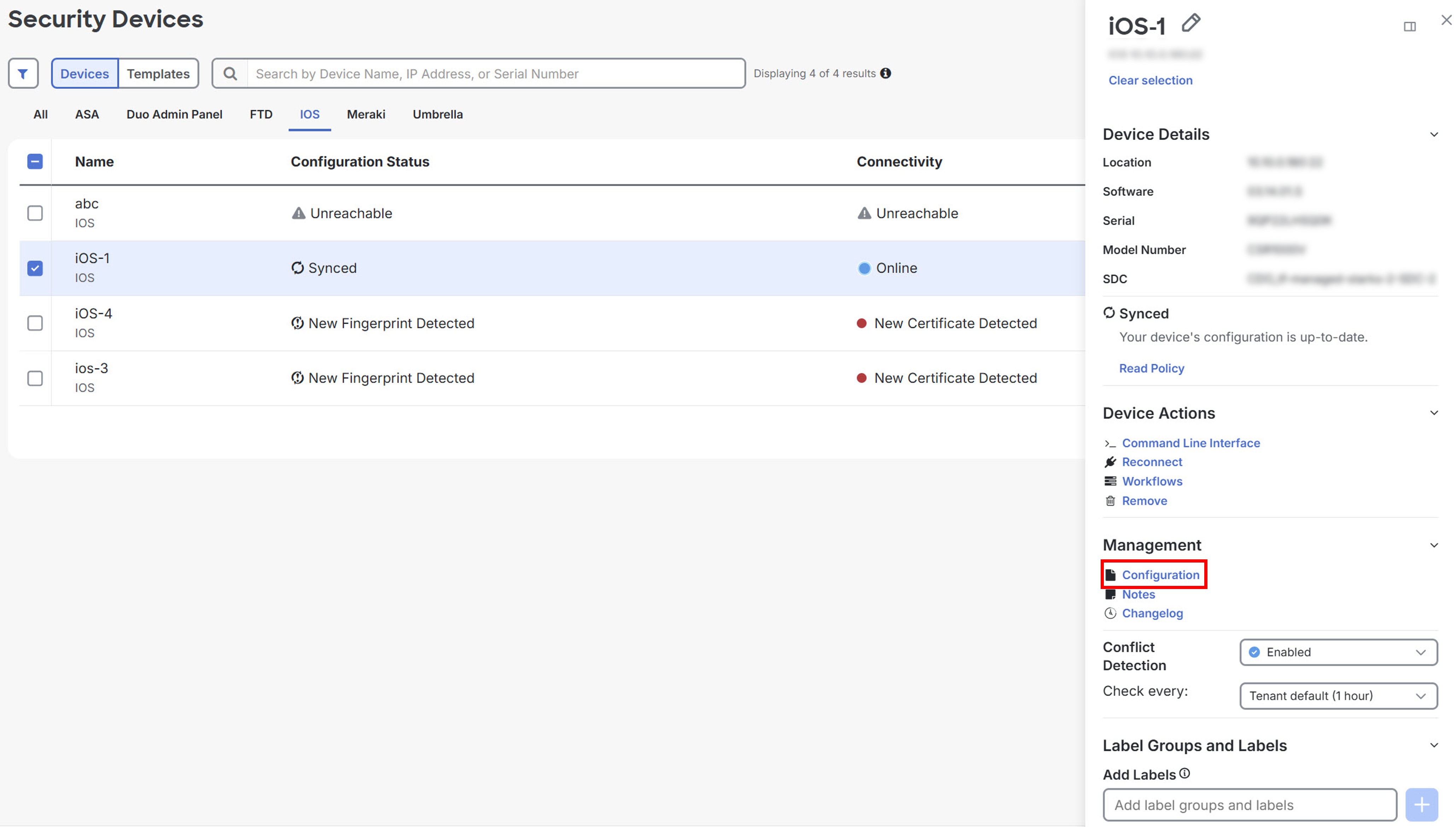 |