The SEC is online, but there are no events in Security Cloud Control Event Logging Page
This task helps diagnose and resolve issues where the Secure Event Connector appears online in Security Cloud Control but events are not being received or displayed in the Event viewer.
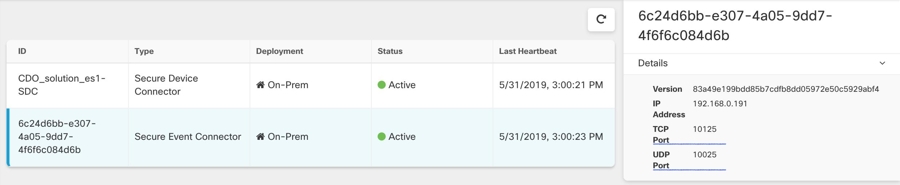
Symptom: The Secure Event Connector shows "Active" in Security Cloud Control Secure Connectors page but you do not see events in Security Cloud Control Event viewer.
Solution or workaround:
Procedure
Step 1 | SSH to your host using the admin account, typically cdo . |
Step 2 | Switch to the SDC user with the command sudo su - SDC . |
Step 3 | Perform the following checks:
INFO success: estreamer-connector entered RUNNING state, process has stayed up for > than 1 seconds INFO success: estreamer-plugin entered RUNNING state, process has stayed up for > than 1 seconds INFO success: estreamer-rsyslog entered RUNNING state, process has stayed up for > than 1 seconds
firewall-cmd --zone=public --add-port=<udp_port>/UDP --permanent firewall-cmd --zone=public --add-port=<tcp_port>/TCP --permanent firewall-cmd --reload
If none of the above repairs work, raise a support ticket with Security Cloud Control support.. |
After performing these checks and resolving any identified issues, events should begin appearing in the Security Cloud Control Event viewer. If issues persist, contact support for further assistance.