Verify Connection Status of Splunk Federated Search with Cisco Security Analytics and Logging
This task helps you check whether the integration between Splunk Federated Search and Cisco Security Analytics and Logging is functioning properly and monitor any connection issues.
Use this procedure to verify the connection status of Splunk Federated Search with Cisco Security Analytics and Logging.
Procedure
Step 1 | In the top-right corner, click the Notifications ( |
Step 2 | Click View details to monitor the connection status on the Splunk Federated Search tab under Integrations. 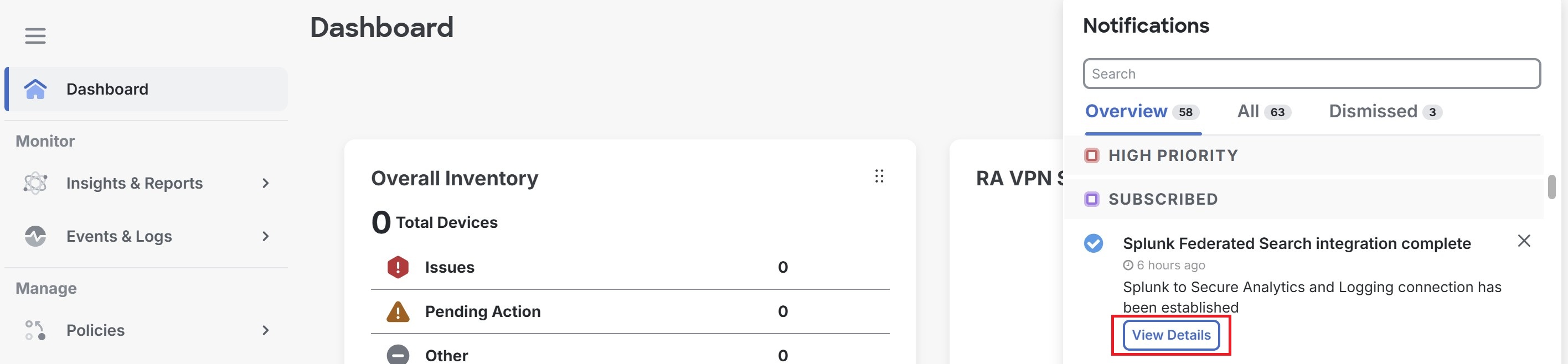 |
 ) icon to view the status of your connection.
You can view the current connection status and monitor any integration issues between Splunk Federated Search and Cisco Security Analytics and Logging.